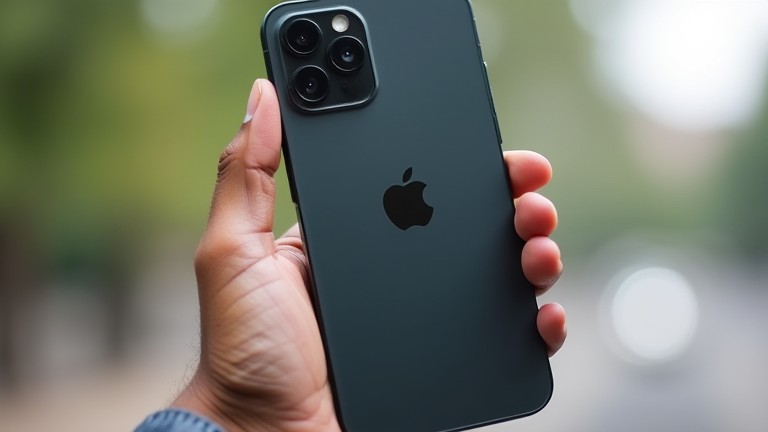
iPhone 16 Pro Camera Settings Every Owner Should Change
TL;DR: Enable ProRAW mode for maximum post-processing flexibility and adjust the default video frame rate to 4K 60fps for smoother motion capture. These two changes unlock the full potential of the new 48MP sensor and ProRes support.
The release of the iPhone 16 Pro series marks a significant leap in mobile photography, driven by Apple’s latest computational photography engine and a refined 48MP main sensor. While the out-of-the-box experience is polished, many users remain unaware of hidden configurations that can drastically improve image fidelity. The industry impact of these updates is profound, as they challenge the boundaries of what smartphone cameras can achieve, forcing competitors to accelerate their own sensor and software developments. For enthusiasts and professionals alike, understanding these settings is no longer optional; it is essential for leveraging the hardware’s true capabilities.
If you want to dig deeper, check out our guide on Neuroplasticity Apps: Fast-Track Skill Acquisition.
Unlocking ProRAW and HEIF
The most critical setting to change is the file format. By default, the iPhone 16 Pro saves images in HEIF format, which is efficient but compresses data. To access the full dynamic range of the new sensor, navigate to Settings > Camera > Formats and select “ProRAW” if you are willing to trade file size for quality. ProRAW files retain unprocessed sensor data, allowing for superior color grading and shadow recovery in apps like Lightroom. However, be aware that ProRAW images can exceed 75MB per file. For most casual users, switching to “High Efficiency” for video and “Most Compatible” for photos remains a good balance, but for creative control, ProRAW is the gold standard. This setting is particularly impactful when shooting in low-light conditions, where the 48MP sensor’s ability to capture detail is most pronounced.
Video Frame Rates and Log Profiles
Video creators should immediately adjust their recording settings. The iPhone 16 Pro now supports recording in Apple ProRes RAW and Apple ProRes formats directly to external SSDs via the USB-C port. To take full advantage of this, go to Settings > Camera > Record Video and set the frame rate to 4K 60fps. This ensures smooth motion without the need for excessive post-production interpolation. Additionally, enabling the “HDR” option in video settings can introduce flickering in some artificial lighting environments. If you are shooting in controlled studio environments, consider disabling HDR for a more consistent color profile. The industry impact here is massive, as the ability to shoot ProRes on a smartphone blurs the line between mobile and professional cinema cameras. This feature has already influenced indie filmmakers to adopt iPhones as their primary B-cameras or even primary A-cameras for low-budget productions.
Smart HDR and Deep Fusion
While the new computational engine handles most scenes automatically, manual intervention is still beneficial. In the Camera app, tap the “HDR” icon to toggle between Automatic and Off. Turning it off can preserve the natural contrast of a scene, preventing the “crushed” look that sometimes occurs when the algorithm overcompensates. For landscape photography, consider enabling “Deep Fusion” manually if the automatic detection fails to recognize the texture in fabrics or foliage. This setting enhances micro-contrast, making images appear sharper and more three-dimensional. The latest developments in AI processing mean that these settings work in tandem to produce results that were previously impossible without a DSLR. By fine-tuning these parameters, users can tailor the camera’s behavior to specific shooting scenarios, ensuring that every shot captures the intended aesthetic.
Final Thoughts
Changing these settings requires a bit of technical knowledge but offers substantial rewards. The iPhone 16 Pro is not just a consumer gadget; it is a powerful creative tool that demands respect for its capabilities. By mastering ProRAW, video frame rates, and HDR controls, owners can produce images and videos that stand out in an increasingly saturated market. The industry impact of these changes continues to ripple outward, influencing how content is created and consumed globally. As Apple continues to refine its software updates, staying informed about these settings will remain crucial for maximizing the value of your device.
Leave a Reply